Posts

Showing posts with the label Android

Updated! Synchronizing Moon+ Books on Android
Image
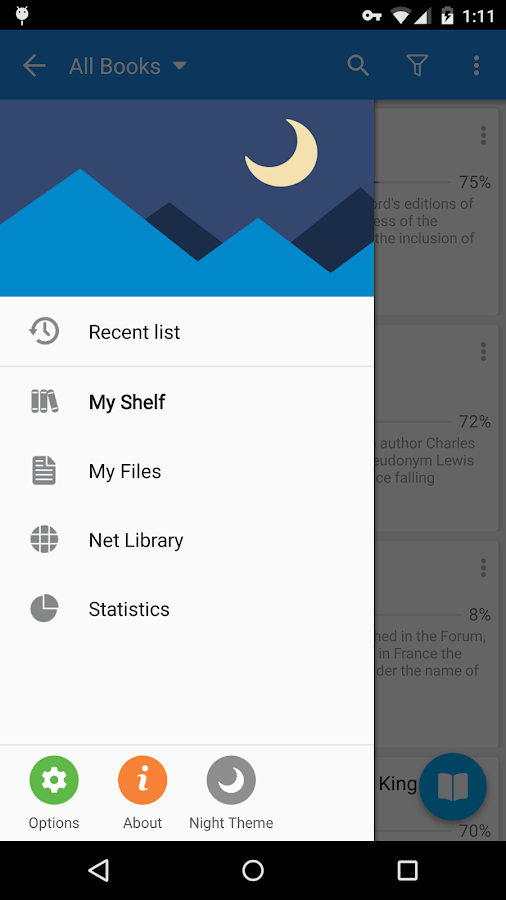
I do a lot of reading on my Android devices, phones and tablets. After a long search I selected  Moon+ Reader , the  Pro  version. The killer feature was the way bookmarks and underlining is handled. I mostly read non-fiction and like to mark important passages. And I want to be sure my marks are available forever. After I am done with a book, I create an Evernote clip from my marks and comments. With Moon+ this is done with a single click. I did most of my reading on my Nexus 7 tablet, but when my phone was getting bigger I realized it would be nice to do some reading there as well. And it would be even nicer if I could synchronize the books, notes etc. Synchronizing book files Moon+ provides functionality to sync books (.epub, .pdf ...) to cloud, but they are just pushed to cloud and this is the end of the story. They will not end up on your other device. So you need to do it like this:  Create a backup of the Moon+ main folder. Just in case. Many android f...
Photos workflow on Android

Image
I recently switched from iPhone to a Xiaomi that runs Android. Taking photos is one of those things one uses the phone for and that too had to change. This was my iPhone workflow Take photos in Camera+ .  Review, delete or edit photos in Camera+. Save to camera roll (long process that may required manually preventing iPhone from sleeping). Dropbox then pushed the photos to the cloud (again, quite a pain, because iPhone may decide to go to sleep while doing it). Pick up Photos on a laptop, move them to a non-Dropbox folder. After all I do not have an unlimited Dropbox space. Use Total Commander to rename them and assign the time and date of when the photo was taken as the file name. Reason: one never knows when a photo editing software would change the times embedded in the jpeg. Camera+, for example, changes the file modification date but not, luckily the EXIF dates.  Use Picassa for final editing and organizing photos into native Windows folders. Photos are too ...

Saving Battery on Android

Image
Android is quite liberal when it comes the use of battery power and tolerant towards apps that may want to run in the background. There are many apps claiming to save battery. But a few simple tricks using just the standard settings work as well. What is really important, however, is understanding how your phone or table work. While Awake There is not much you can do about conserving the power while you actively use your device. It just has to respond to whatever you are doing - reading books, browsing Facebook, snapping photos, watching videos or playing 3D games. There are a few things you can still do: keep screen brightness lower rather than higher. Just to keep the screen bright can use a half of all the power. If you have an OLED screen, make your backgrounds black. Standard LCD displays use a back-light that indiscriminately lights the whole back of the LCD panel and than the LCD just makes sure what gets through. OLED actively lits every pixel if it needs to be lit. ...